Revcode 1.0
GTM's New Winning Primitive: Play
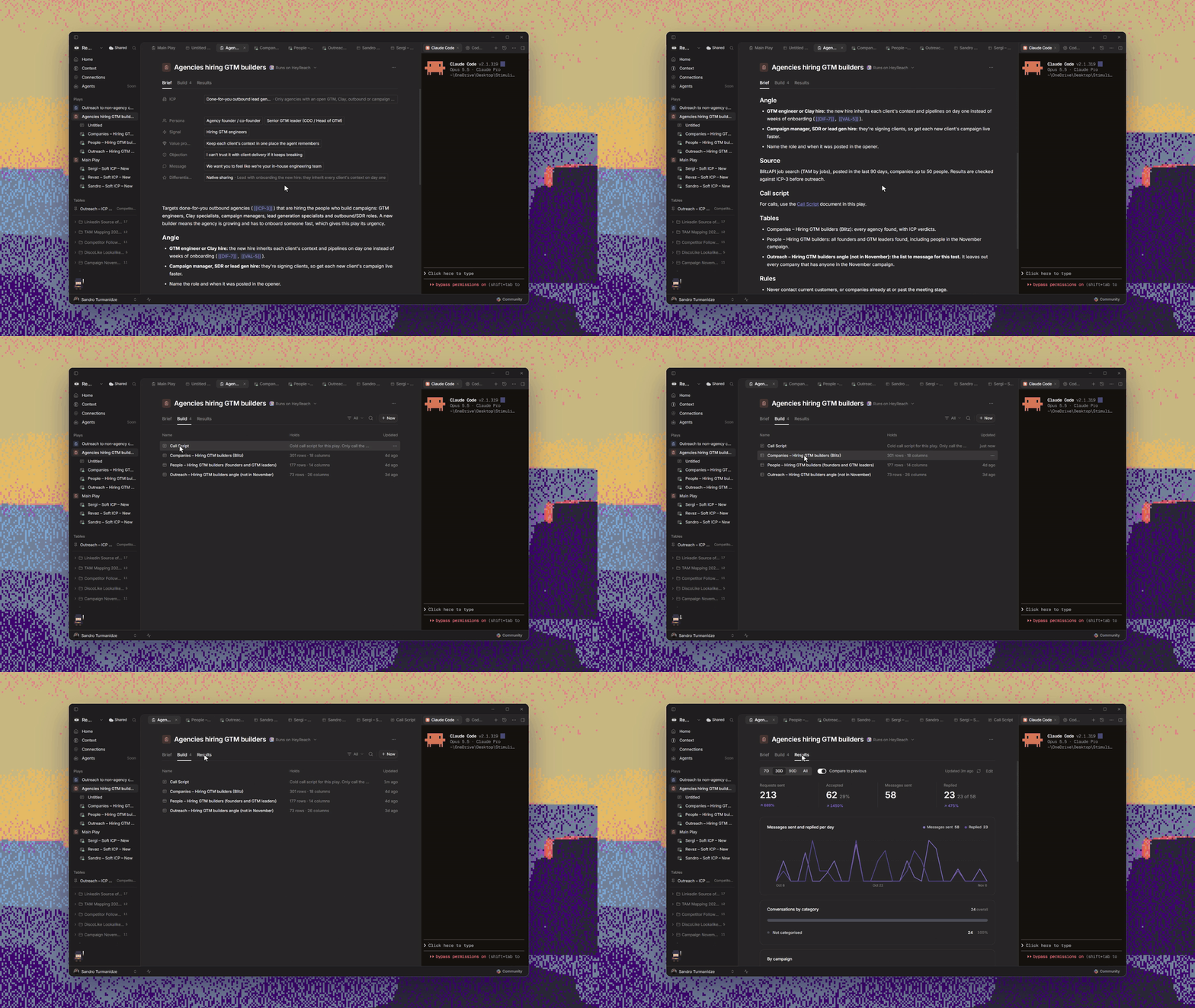
Introducing Play - the new, correct way of doing GTM. Every successful repeatable process starts with an idea, gets built over time, and gets judged by the result.
Neither of the two most commonly used primitives, table and workflow, gives you the necessary insights you can act on.
Revcode's new primitive, Play, combines all these building blocks to give you the full picture. It combines the initial thesis, the building blocks (ICP, Offer, Angle, etc.), documents, tables, and the results to give you and your agent everything you need to make every next campaign perform better than the previous ones.
Memory 2.0: Context
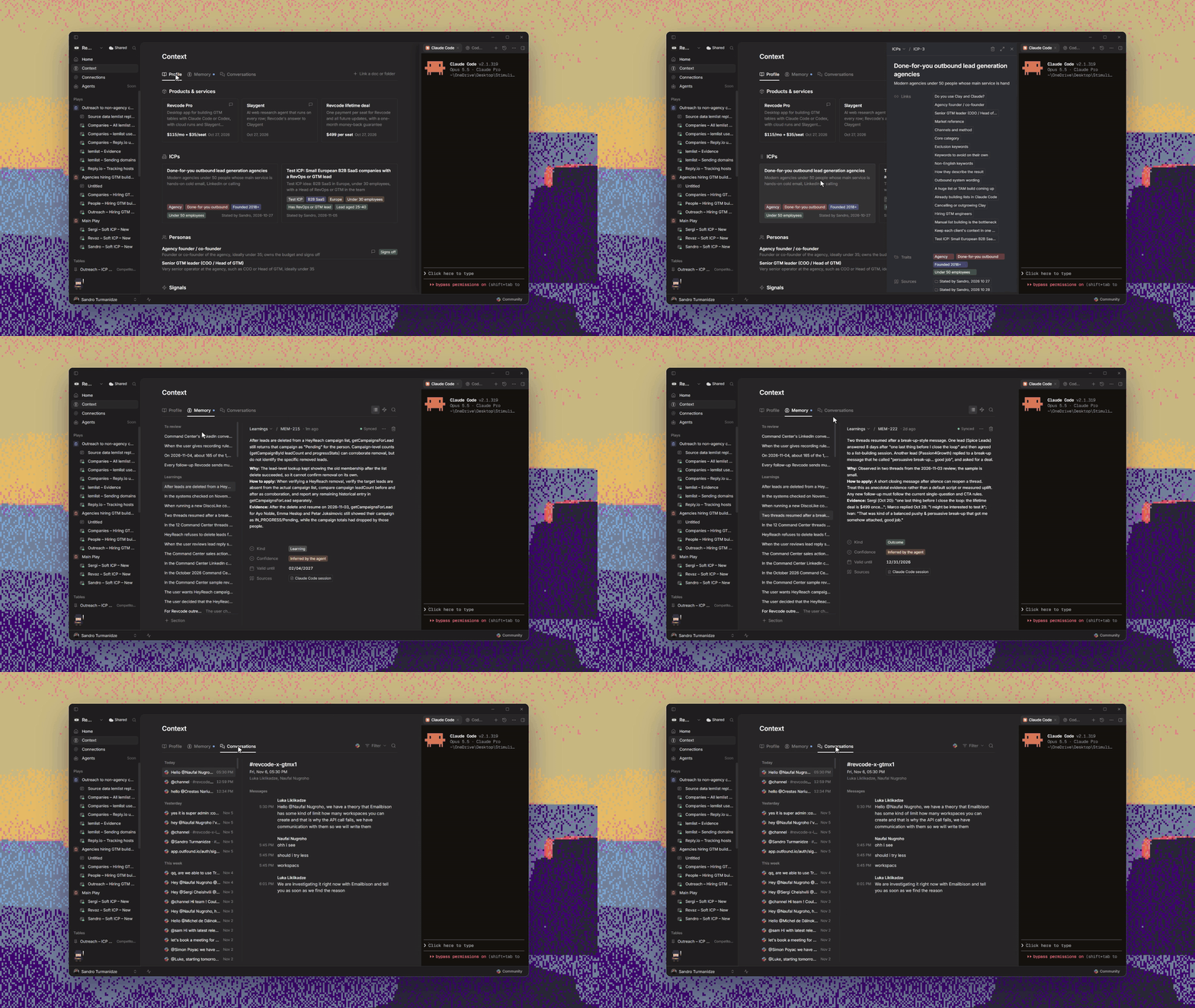
Instead of the blank notepad that memory 1.0 offered, Context (memory 2.0) is more structured without compromising flexibility. It is much more proactive in both storing and using the learnings to improve your campaigns.
Context consists of:
- Profile - the place where you store so-called static memory: products, ICP, personas, and so on. Profile has a templated structure, but is flexible enough to be tailored to your use case. Connect Google Drive, Notion, or GitHub to populate the profile automatically.
- Memory - every time you work on the campaign, your agent analyzes and writes down all the important learnings automatically, which are then used to make every next campaign perform better.
- Communications - some of the most important insights come from communication with your clients. You can connect your notetaker and Slack to make sure that valuable information is put to work.
Access your Revcode directly from Claude/ChatGPT App
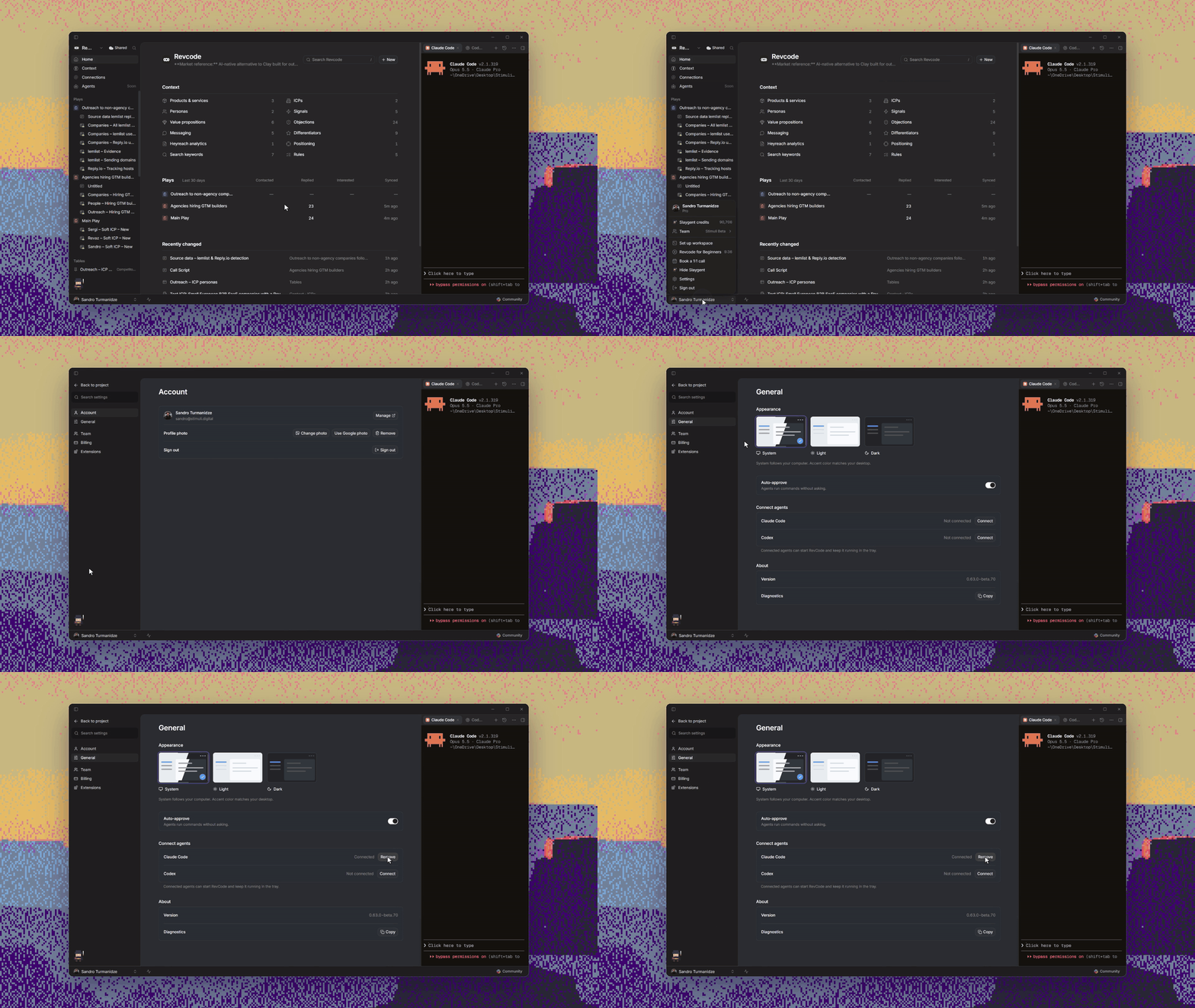
Using Revcode required you to open the UI. Now you just connect your Claude/ChatGPT app with Revcode in one click, only once, and use it without ever touching the UI again.
Work on Multiple Projects at Once
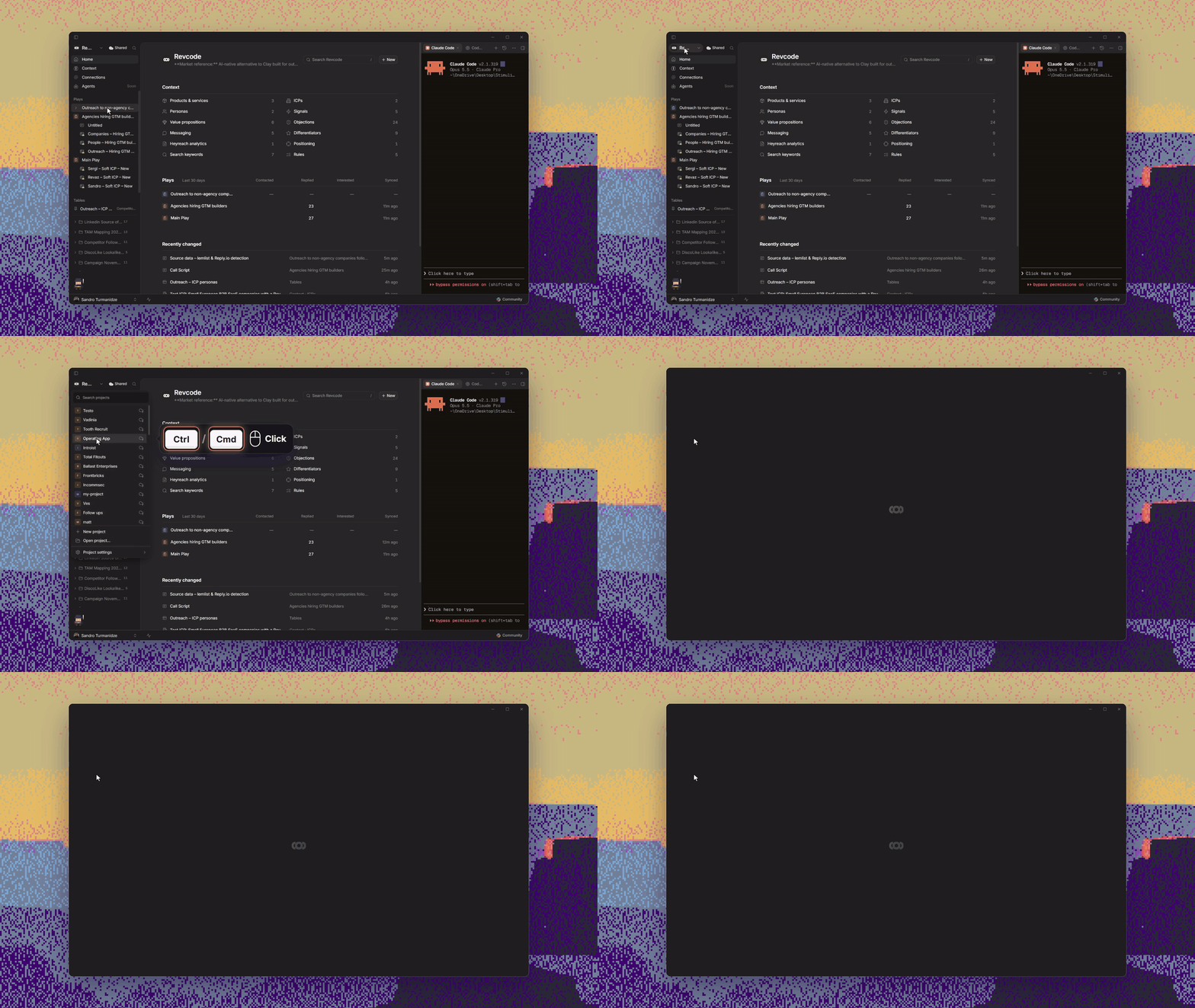
Last month, Revcode gave you the ability to work on multiple tables in one project. Now it gives you the ability to work on multiple projects at once. Just open the project selection dropdown, press Ctrl/Cmd + Click, and you can start working on multiple projects in parallel.
Team members can see each other's activity when working on the same table
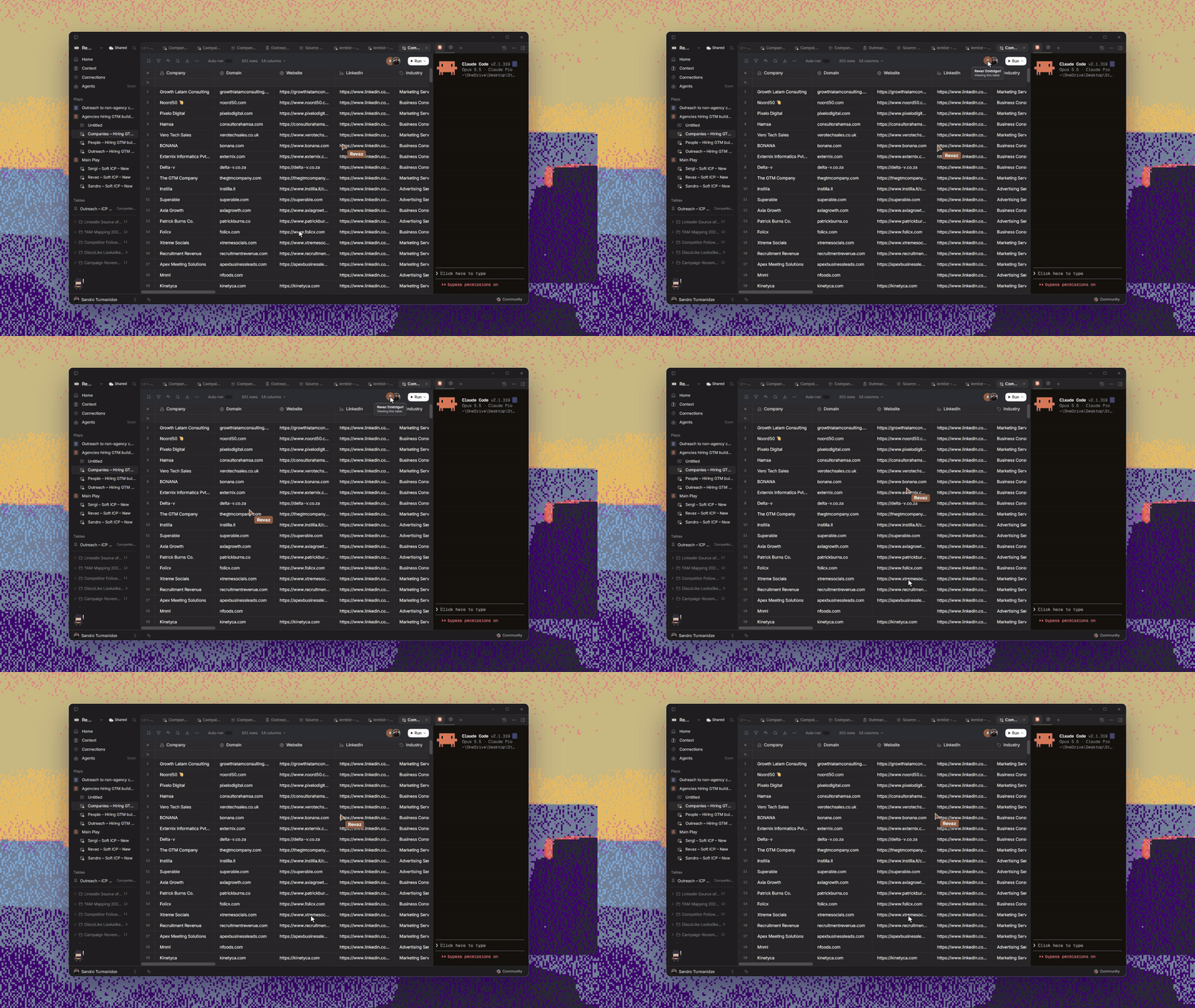
When working on shared tables, the only thing you could see that someone was looking at the same table as you were. Now you can see each other's activity, starting as small as cursor movement to seeing who's adding a column in real time.
11 New Integrations
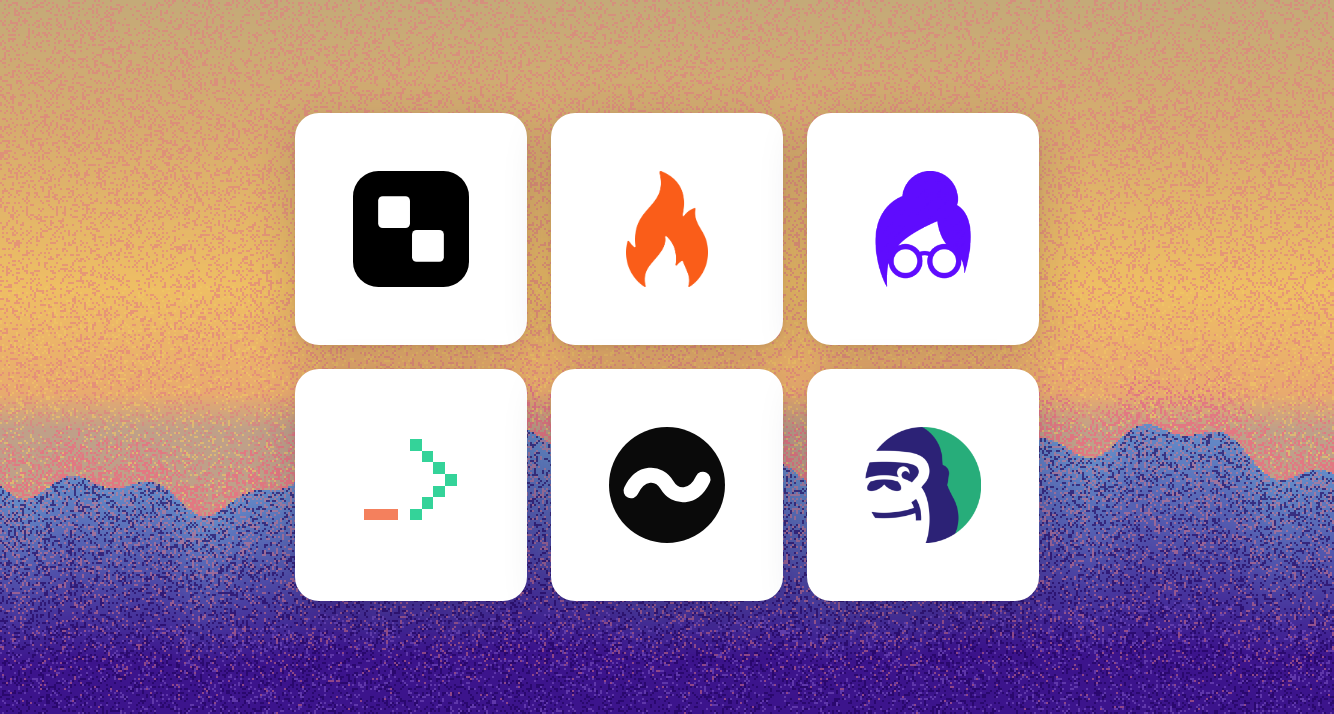
11 native connectors, including Treg, Firecrawl, Lusha, Moltsets, LeadOcean, and Bouncer, are now live inside the app.
Improvements and Bug Fixes
-
Agent work now uses 30% fewer tokens and runs faster
-
Connected connectors now appear in "Your tools" at the top of the list for faster access
-
App start-up is 13x faster
-
The limits on the size of cell contents have been removed
-
Scrolling animation is much smoother
-
Filtered views now load and update faster
-
You can now stop sharing the tables you don't need anymore
-
Improved missing-project detection and recovery.
-
Error banners, toasts, and other error messages now display consistently across the app